With Walt Whitman in Camden: A Digital Edition
Encoding Guidelines
Traubel Tags
Click on sample pages to view a larger version
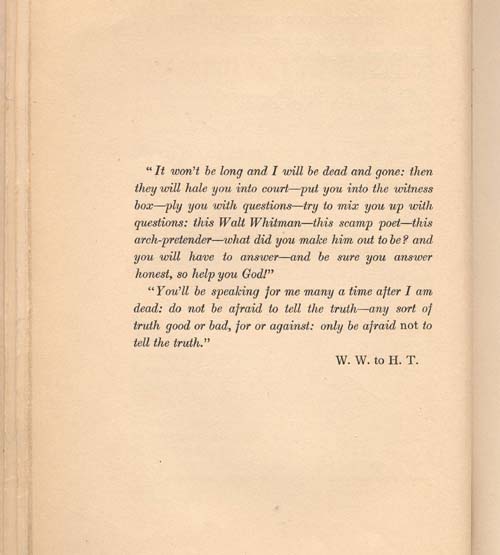
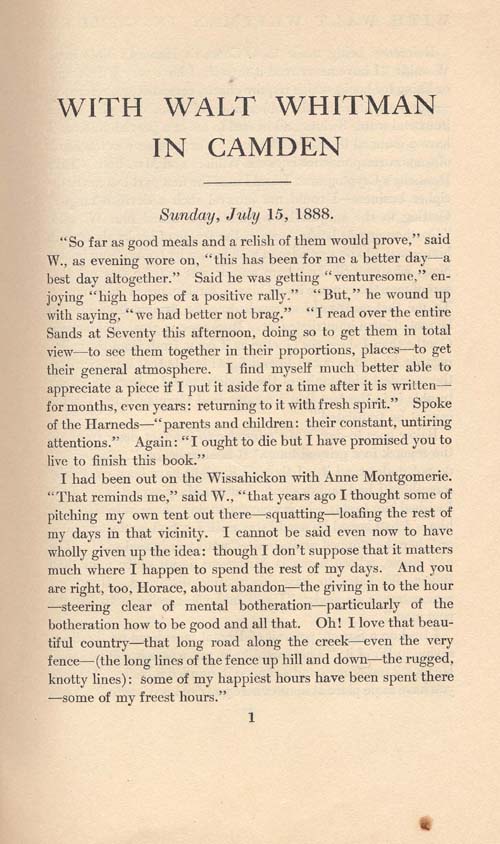
These tags are fairly basic — text in italics should be enclosed in italics tags.
Any character beyond a basic punctuation mark is indicated by a code—the codes for & and — are frequent enough to warrant inclusion in the tags.
When you use —, make sure there is no space on either side of the code; it should look like—this. Since there are so many, it may be easier to note it with something like--while typing, and then go back and find and replace with the correct code.
For other characters (foreign language characters, for instance), you need to find the Unicode for that character.
The official Unicode site has charts in PDF format at
http://www.unicode.org/charts/
http://www.macchiato.com/unicode/charts.html
http://www.cs.newcastle.edu.au/~c3018900/unicode.html
All should begin with an &# and end with a ;
For example, to indicate &, you need to enter &