With Walt Whitman in Camden: A Digital Edition
Encoding Guidelines
Traubel Tags
Click on sample pages to view a larger version
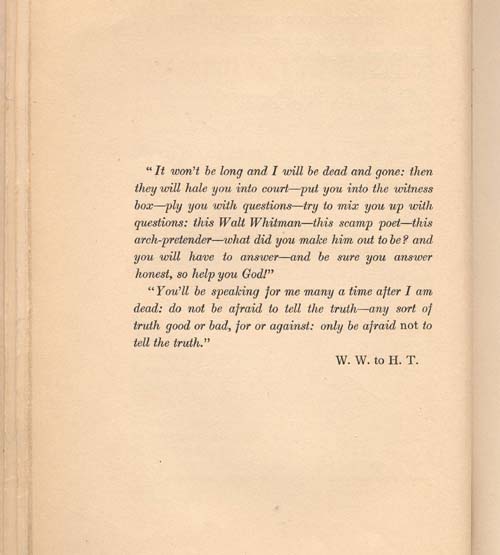
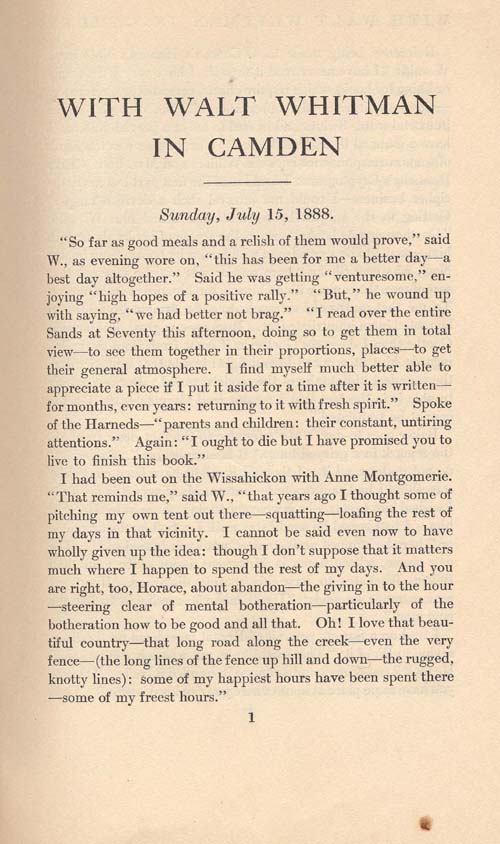
To program the tag so that the cursor shows up in a specific place, use ^&. For example, to make a new quotation tag, you would type: <q who="New Friend">^&</q>
To program a tag so that it prompts for a value before inserting the tag, use this structure:
^!SetListDelimiter "^L "
<q who="^?[letter writer]" type="written">
^!SetListDelimiter "^L "
<text id="anc.^?[5-digit letter number]" type="letter">
<body>
<opener>
<address>
<addrLine>
^!SetListDelimiter "^L "
<date value="^?[4-digit year]-^?[2-digit month]-^?[2-digit date]"></date>
</addrLine>
</address>
Whatever you place in the brackets is what will be prompted for, and the information entered will appear in the place of the brackets.
Keep a log of any new tags you add so that you can share them with the rest of the class.